
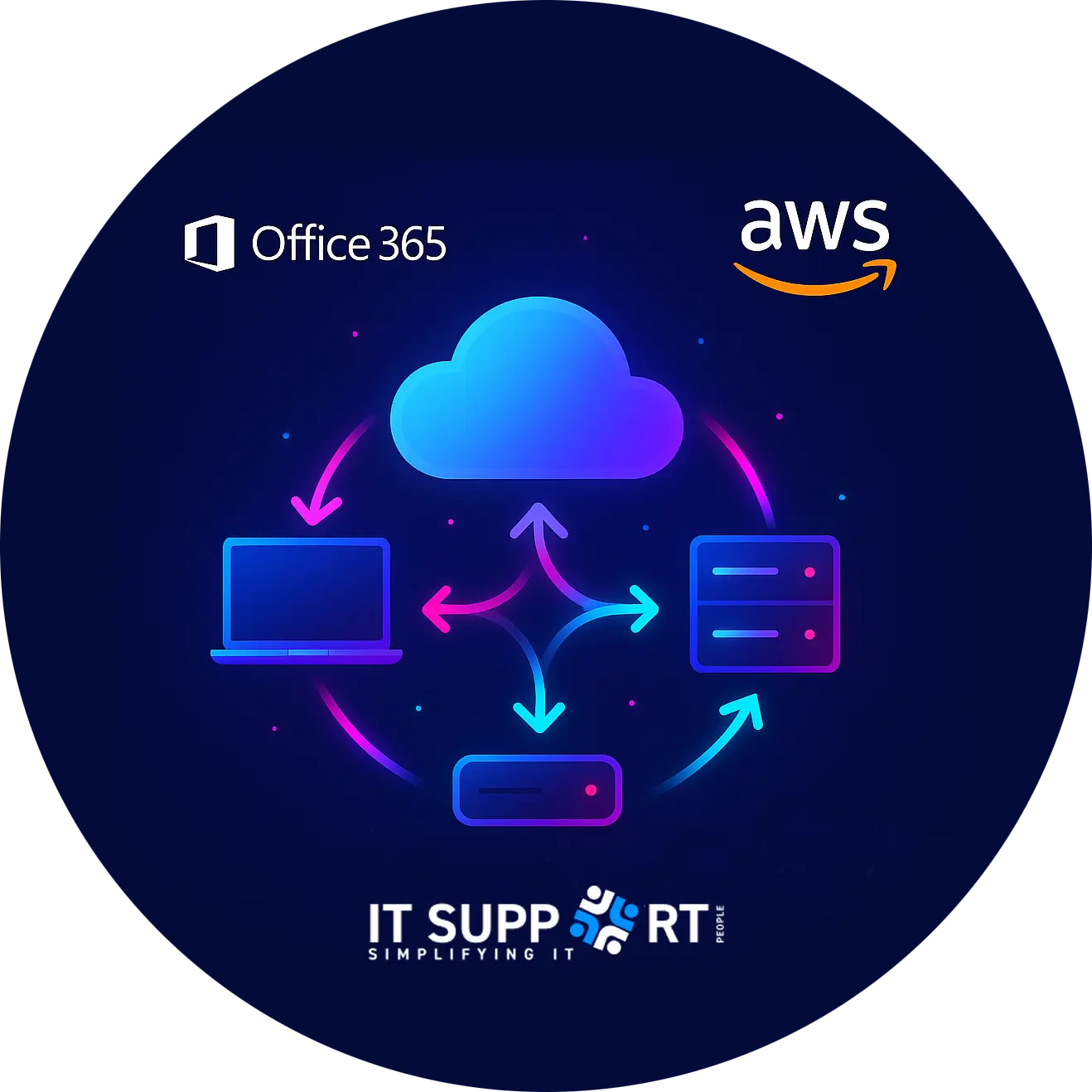
Empower your business with expert AWS & Office 365 Cloud Solutions from IT Support People.
We deliver secure, scalable, and high-performance cloud services, ensuring seamless collaboration, data protection, and 24/7 reliability. Whether migrating to AWS for enhanced flexibility or optimising Office 365 for productivity, we’ve got you covered!
We design, deploy, and manage AWS cloud solutions that provide high availability, security, and flexibility, ensuring your business is future-proof and always online.
Our experts handle the setup, migration, and management of Office 365, ensuring smooth collaboration, secure email, and increased productivity for your team.
Whether moving to AWS or Office 365, we ensure a smooth, disruption-free migration with minimal downtime and zero data loss for your business.
We optimise your cloud infrastructure to reduce costs, improve efficiency, and scale with your business needs—ensuring you only pay for what you use.











"IT Support People have been a crucial partner, providing expert technical support and proactive IT solutions. Their team is knowledgeable, responsive, and always ready to assist. From troubleshooting to system optimisation, they ensure our operations run smoothly and securely. Their proactive approach helps us stay ahead of IT challenges, allowing us to focus on growth. We highly recommend IT Support People for reliable, efficient, and professional IT support"
- Kevin Boyd, Next Generation Utilities
"IT Support People have provided us with exceptional IT support for years. Their team is knowledgeable, responsive, and proactive, ensuring our systems run smoothly and securely. From troubleshooting to strategic advice, they go above and beyond to keep our business operations efficient. Their reliability gives us peace of mind, knowing our IT is in expert hands. We highly recommend IT Support People for professional and dependable IT support."
- Phil Wagstaff, Milverdene Ltd
"We’ve been with IT Support People for over 10 years and couldn’t be happier with their service. They’ve provided excellent IT support, always responsive and reliable. Their ongoing support with our Software of Excellence dental software has helped our practice run efficiently and without disruption. Their proactive and knowledgeable team gives us the confidence to focus on patient care, knowing our IT is in safe hands. We wouldn’t hesitate to recommend them to any dental practice needing trusted IT support."
- K Amlani, Southview Dental Centre
"We’ve been relying on IT Support People for over 5 years, and their service has been consistently outstanding. They’ve supported all our IT needs, ensuring the practice runs smoothly day in and day out. Their expert assistance with our Software for Dentists system has been invaluable, helping us avoid downtime and keeping everything running seamlessly. The team is knowledgeable, responsive, and easy to work with. We’re very pleased with their support and would gladly recommend them to other dental practices."
- G Kaur, Tyneview Dental
Proud projects make us excel

Unit 10, Vance Business Park, Team Valley, Gateshead,NE11 9NE
Email: info@itsupportpeople.co.uk Telephone: 01912676766
© 2026 IT Support People. All Rights Reserved



 MENU
MENU